1
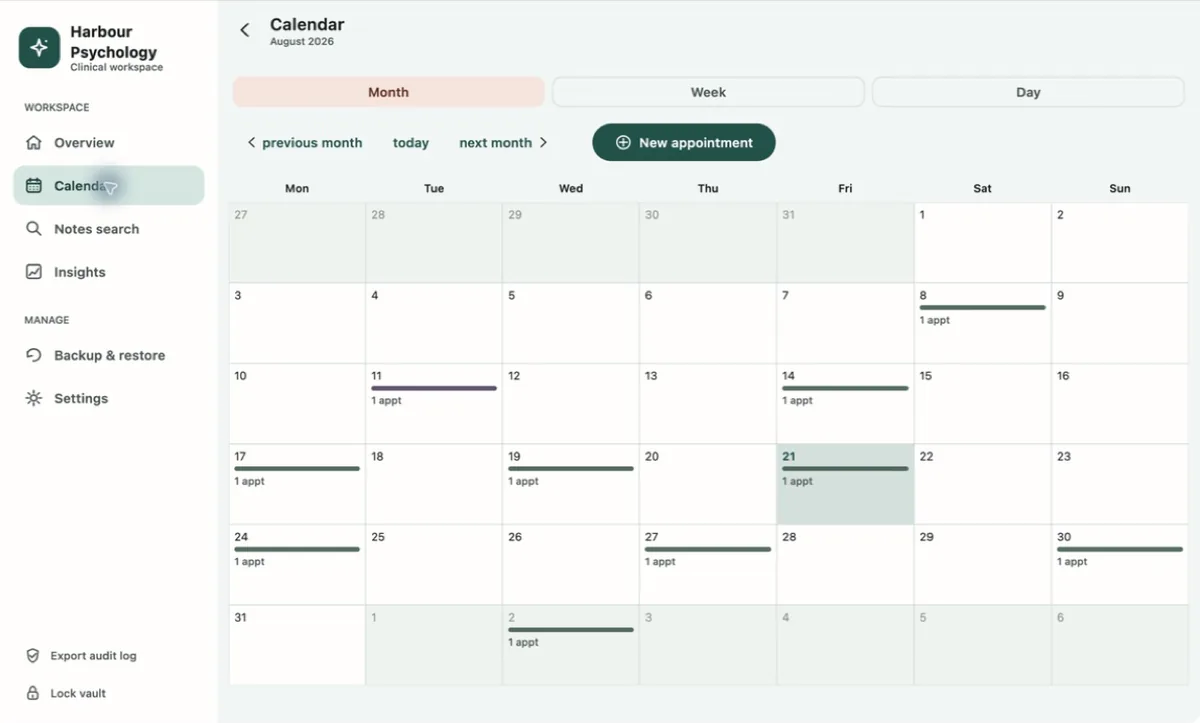
Prepare
Review the calendar, client record and current plan.
PsyEntry gives solo mental-health practitioners one place for sessions, structured notes, assessments, plans and practice activity. It works without an account or cloud sync.
Available on the Mac App Store and Microsoft Store · Direct Mac download in preparation
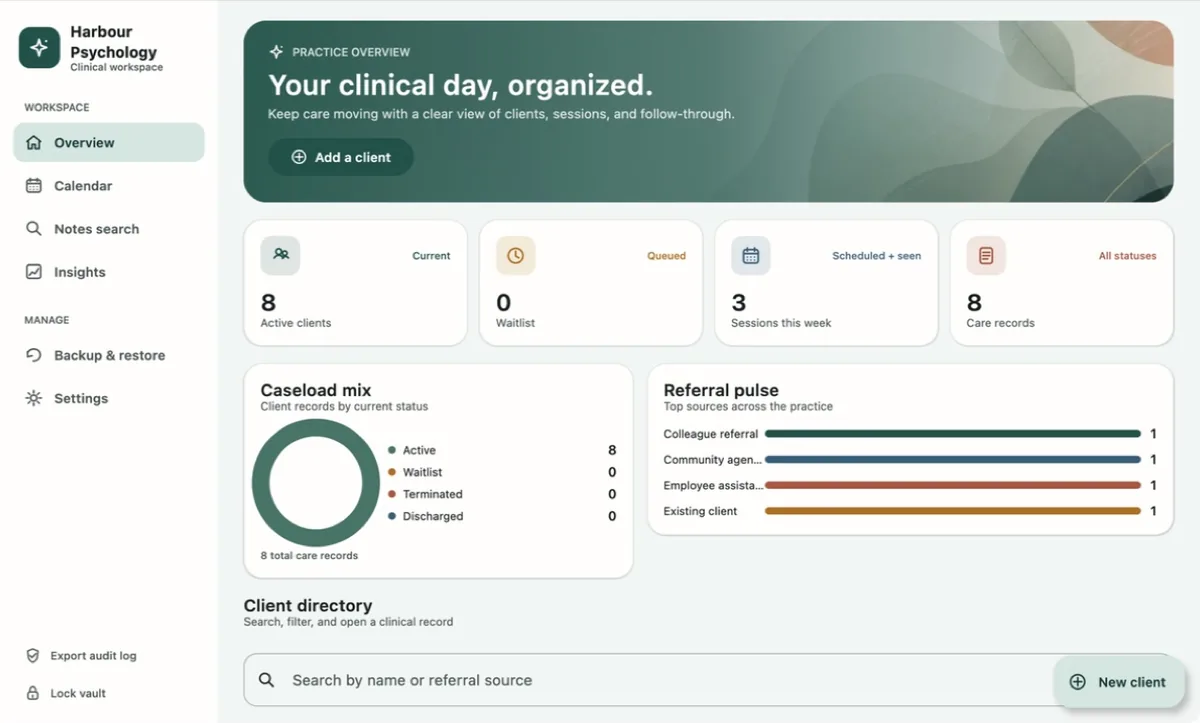
The workflow stays visible. PsyEntry does not write clinical conclusions for you.
Review the calendar, client record and current plan.
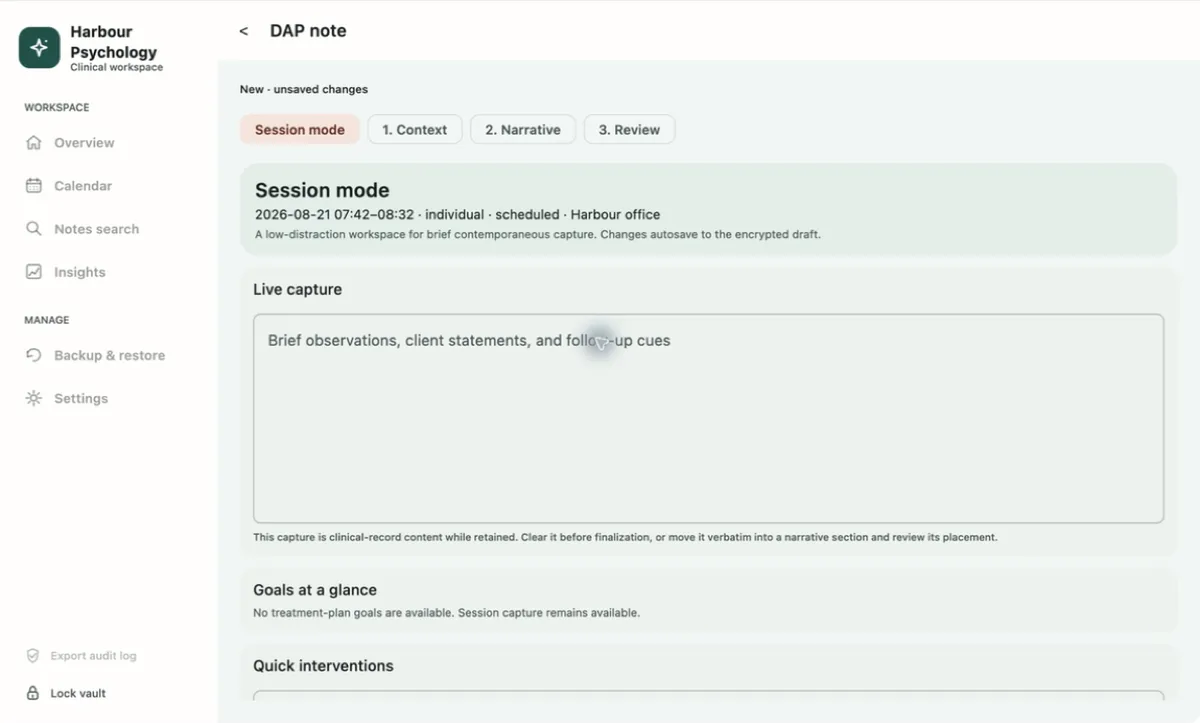
Use Session Mode when live notes are appropriate.
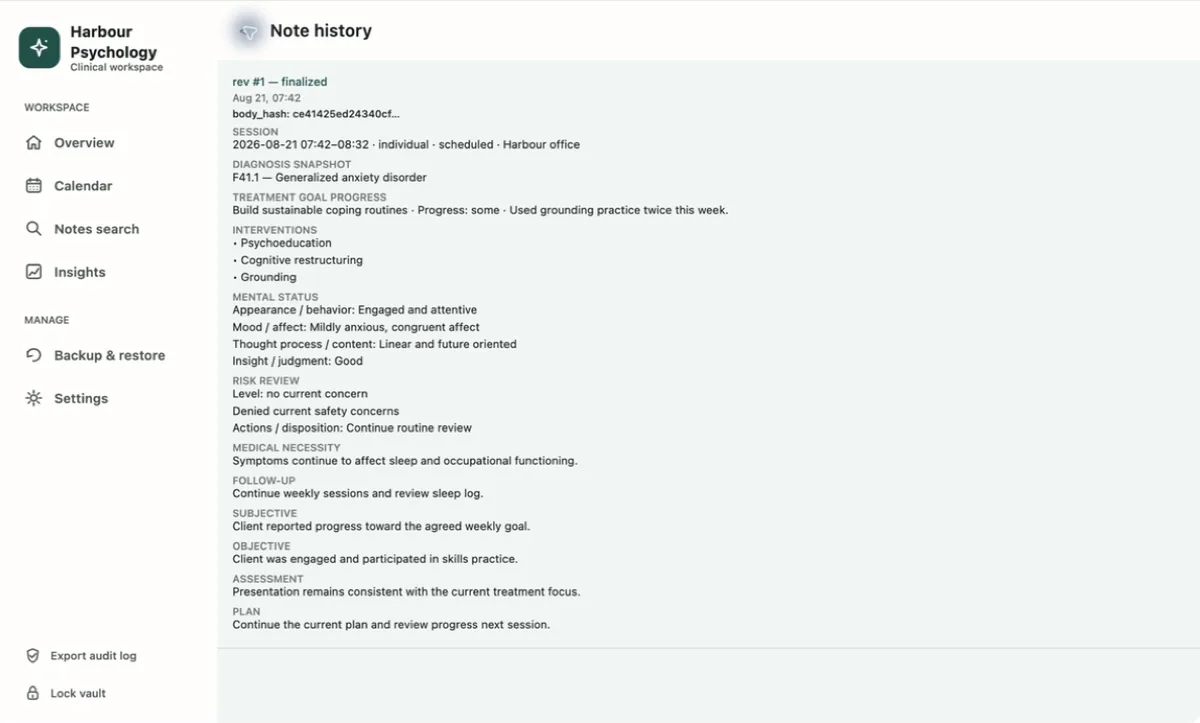
Complete the structured note, then finalize it.
Session Mode is a single capture field. It saves an encrypted draft as you type. After the session, you decide what belongs in the clinical note.
Choose from eight note templates, including SOAP, DAP, BIRP and GIRP. Treatment and safety plans keep earlier revisions instead of replacing them.
See all features →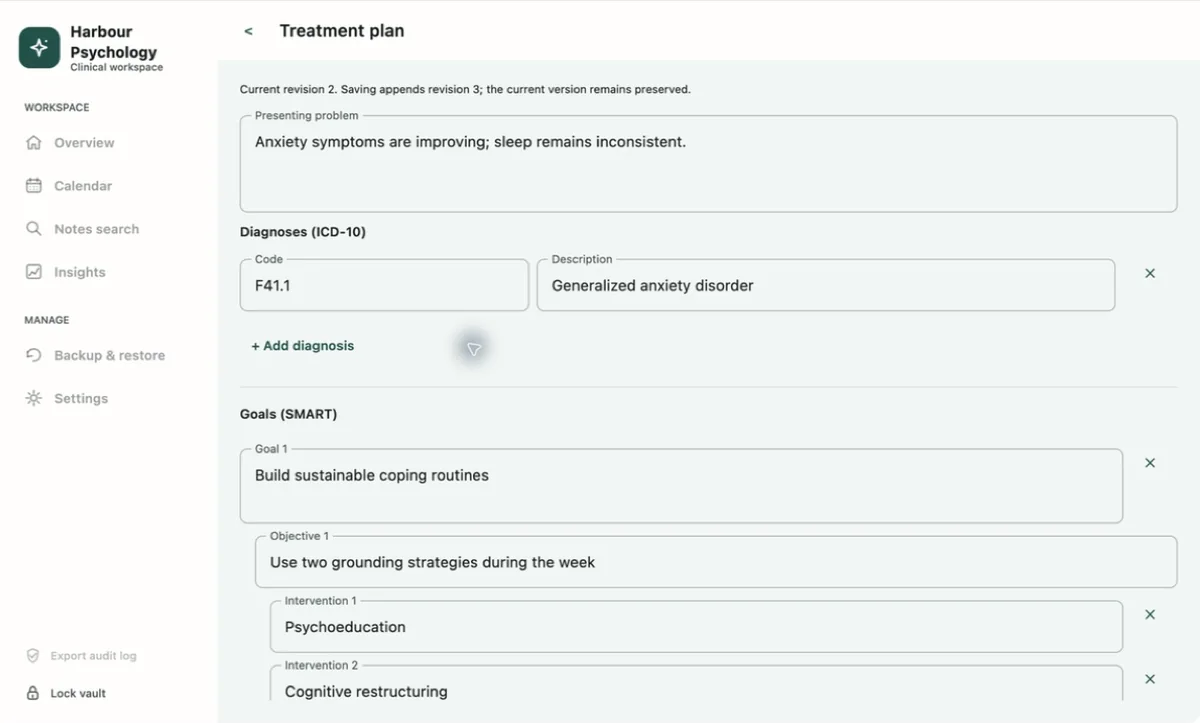
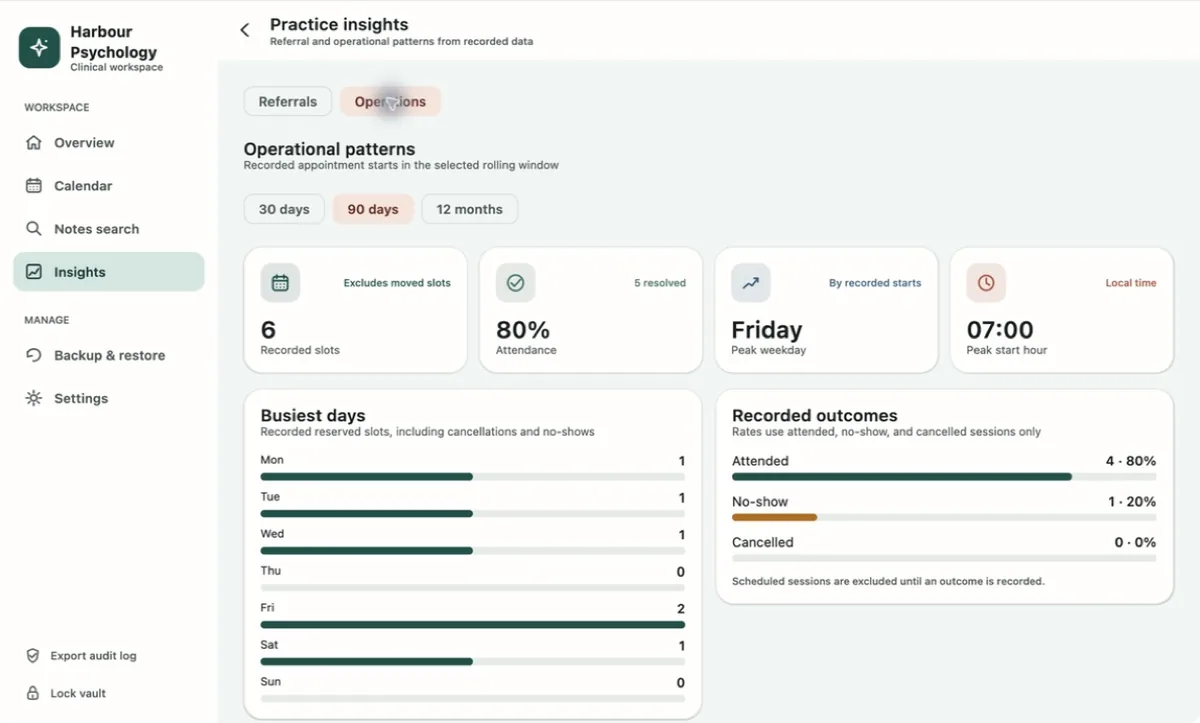
Review attendance, referral sources, busy days and common start times. PsyEntry calculates these views on your device from saved records.
These summaries describe recorded activity. They are not clinical predictions or business attribution.
PsyEntry encrypts client identifiers and clinical content in a local vault. It does not create an Ownerstate account or upload the vault.
The database file is not encrypted as a single opaque file. Some structural metadata can remain visible. FileVault or BitLocker, a protected OS account, current system updates and verified backups are still required.
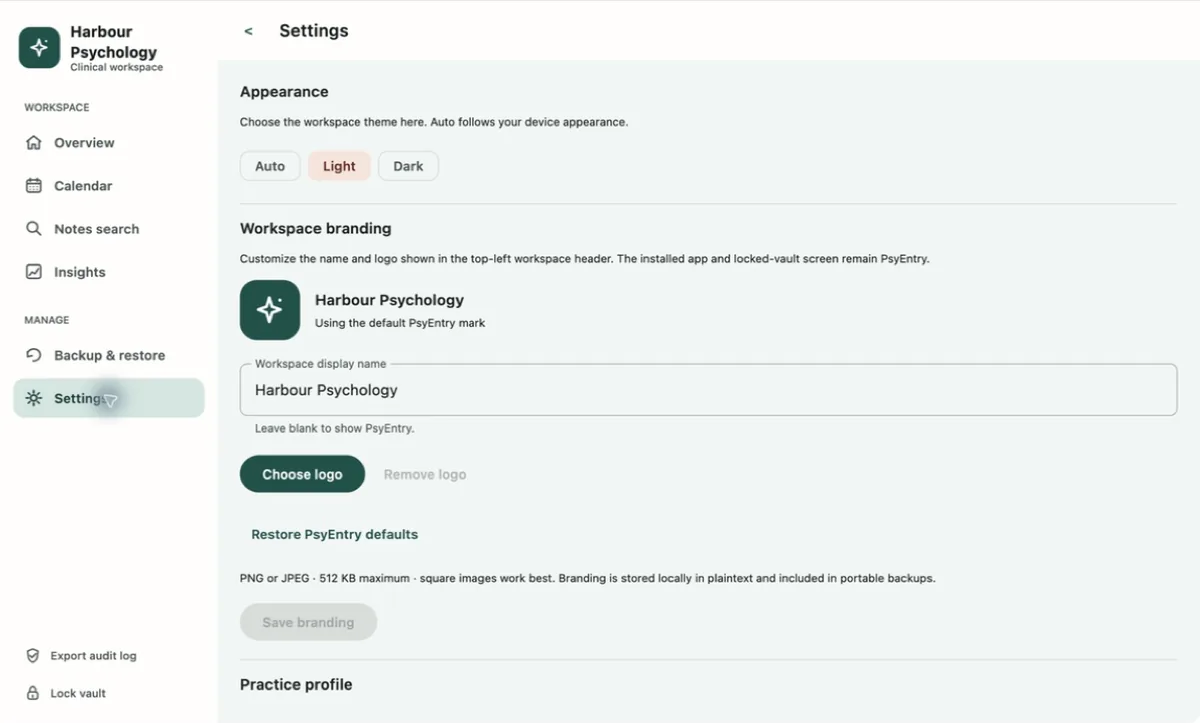
PsyEntry is a documentation workspace. It is not a complete clinic-management system.
The Guide covers setup, recovery, daily use, backups, migration and the security model. It also explains what PsyEntry cannot recover for you.
Open the GuidePsyEntry 1.0 is listed on the Mac App Store and Microsoft Store for supported computers. The signed direct Mac download is still being prepared.