Start with a test vault.
Learn the workflow with invented records before using PsyEntry for a real caseload. This guide covers the decisions that matter most.
Prepare the computer first.
PsyEntry stores the live vault on your computer. Ownerstate does not keep a server copy and cannot recover a missing database.
- Use an Apple-silicon Mac running macOS 12 or later, or an x64 PC running Windows 10 version 2004 or later or Windows 11.
- Turn on FileVault or BitLocker where available.
- Use a protected operating-system account and screen lock.
- Keep the operating system current.
- Choose a separate place for encrypted backups.
Create a disposable vault, enter invented records, make a backup, restore it, and confirm that you understand the process.
Three secrets, three jobs.
Unlocks the vault on this computer.
Lets you set a new vault password while the same vault file still exists. It does not contain your records.
Opens a portable .psybackup file. It is separate from the other two.
If the vault file is lost, the recovery phrase cannot recreate it. If a backup passphrase is lost, Ownerstate cannot open that backup.
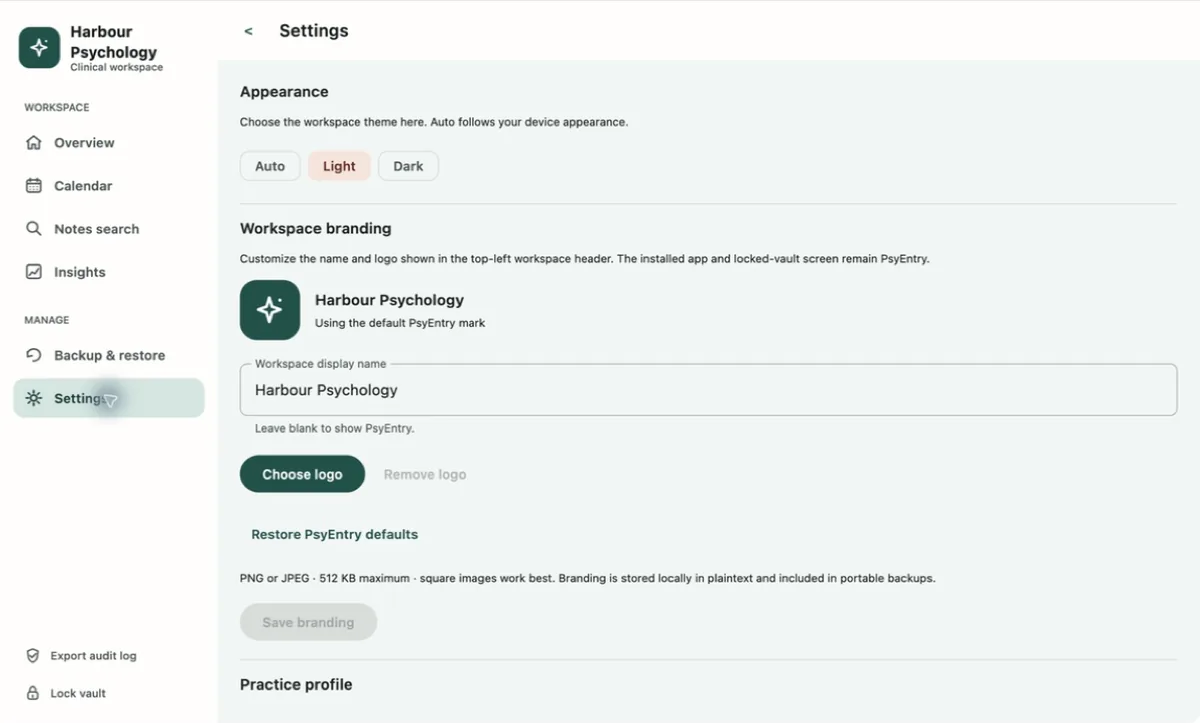
A simple working order.
- Open the client recordReview the scheduled session, current plan and earlier notes as appropriate.
- Use Session Mode if it fitsThe capture field autosaves an encrypted draft. It does not interpret, summarize or diagnose.
- Complete the structured noteChoose the template and record only the clinical content you intend to keep.
- Review before finalizingFinalized revisions cannot be edited in place. Corrections are added as addenda.
- Lock between clientsUse the lock control instead of relying only on the 15-minute idle lock.
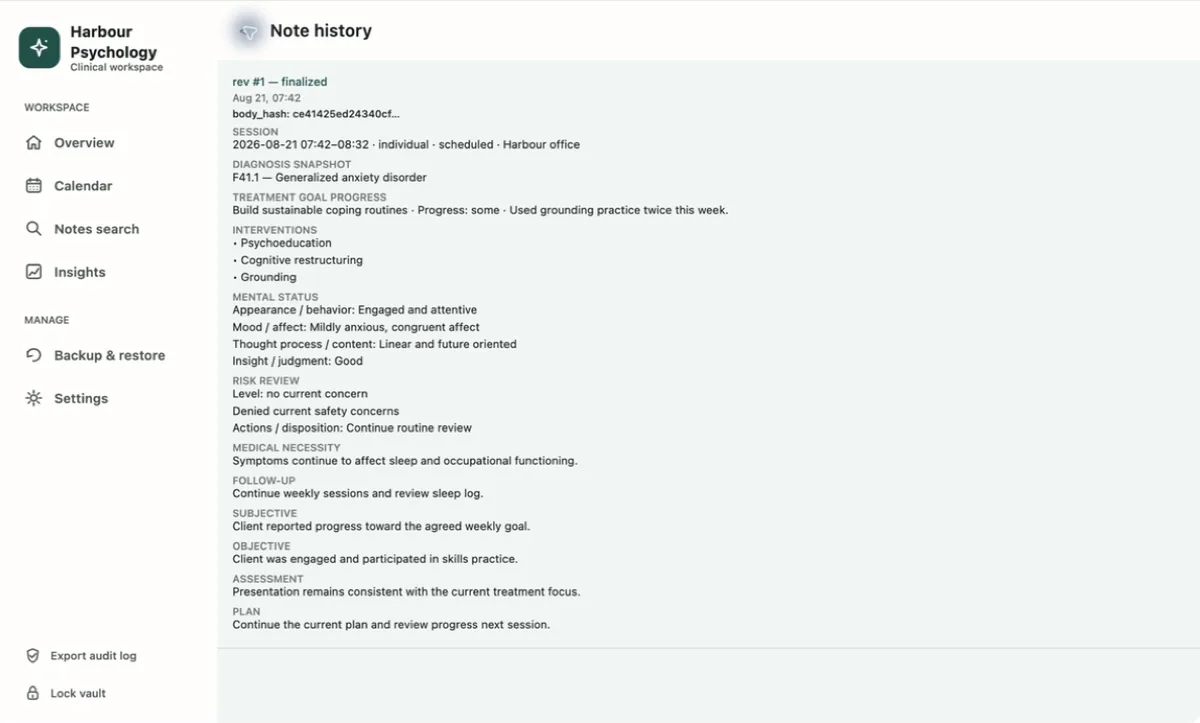
A backup is a separate encrypted file.
- Verify recordsRun the verifier in Settings before creating a backup.
- Create a fresh backupChoose a destination and a backup passphrase.
- Test itConfirm that the file opens with its passphrase before relying on it.
- Store it separatelyDo not keep the only backup on the computer holding the live vault.
Restore replaces the destination vault
Restore is not a merge. PsyEntry validates the backup before replacing records, but a successful restore replaces the whole destination vault.
Keep the source vault and the backup until you have restarted, unlocked, run Verify records, and sampled restored records.
What the security design does.
These details are provided so you can assess the app without guessing.
Direct identifiers and clinical free text use AES-256-GCM application-layer encryption.
A random vault key is protected by password- and recovery-derived keys using PBKDF2-HMAC-SHA256, a per-vault salt and 600,000 iterations.
Finalized notes, addenda, plan revisions and audit history have application and database integrity controls.
PsyEntry has no account, vault sync, analytics, telemetry, advertising or crash-report upload.
Some operational metadata, such as timestamps, record types, statuses and assessment totals, can remain visible at the database layer. FileVault or BitLocker provides the missing whole-disk layer.
What PsyEntry cannot do for you.
Local control removes a hosted copy. It also makes device security, backups and retention your responsibility.
- It cannot recover a deleted vault without a backup.
- It cannot recover a lost backup passphrase.
- It cannot protect plain-text files after you export them.
- It does not provide compliance by itself.
- It does not provide billing, telehealth, transcription, digital signatures, consent management or emergency response.